

How Amity Training Solutions runs 980 training programmes from one admin panel
Amity Training Solutions designs and delivers training for companies across 24 industries. Filari studied its catalogue, planned the content model, and built amitytrainingsolutions.com on Laravel and Filament, with an API that shares the same content with ATOS.
Buyers from 24 industries needed to find training for their own sector and team level, and every programme needed an owner who could update it.
A Laravel + Filament website where every card, pop-up, trainer and homepage section is edited in one admin panel.
480 industry programmes and 500 domain courses live, and the same content feeds ATOS through a keyed API.
One admin panel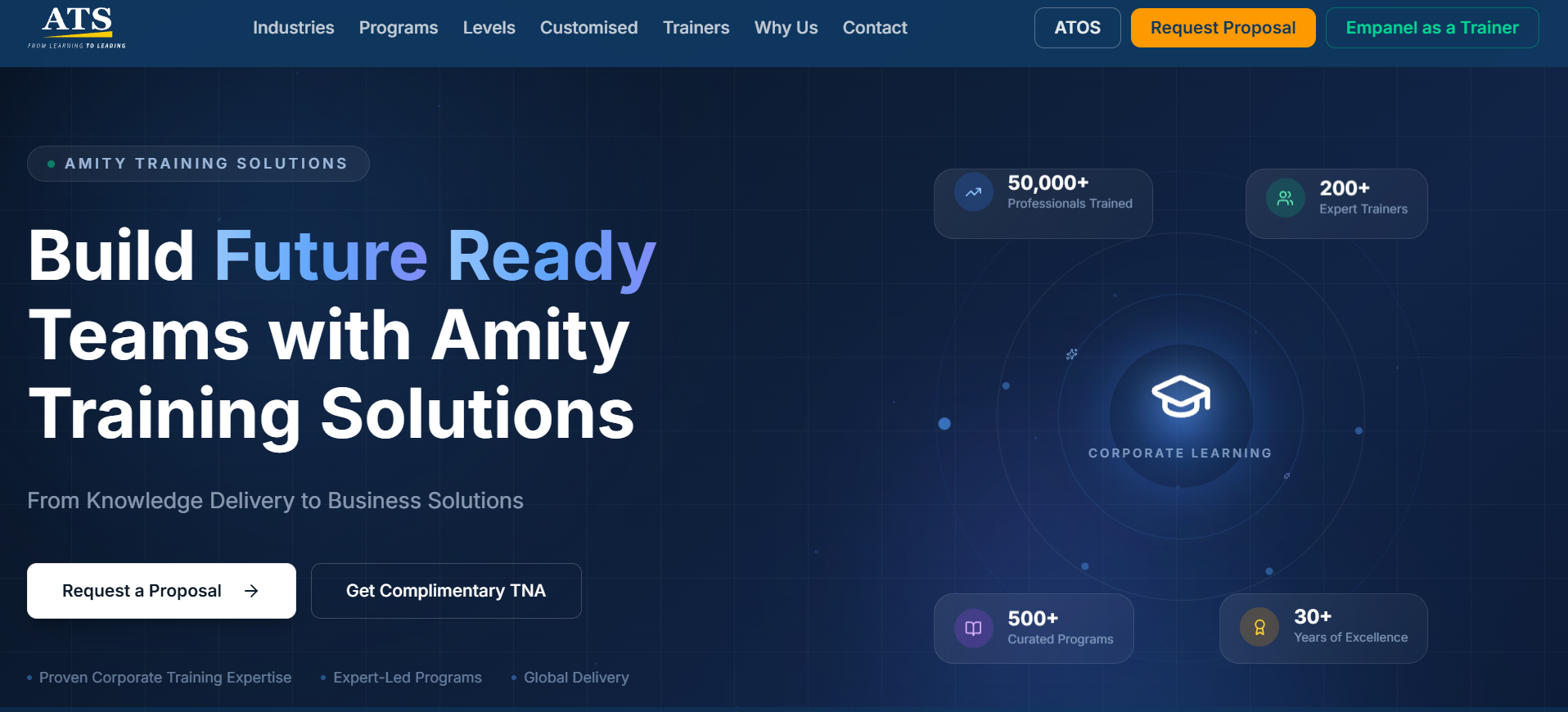
Project snapshot
A corporate training website with a catalogue the team edits itself
- Client
- Amity Training Solutions
- Industry
- Corporate training and L&D
- Project type
- Website, CMS and content API
- Filari's role
- Laravel build, admin, content API, SEO, hosting and maintenance
- Technology
- Laravel, Filament, PostgreSQL, Redis, Docker
- Timeline
- · 1 week
How Amity Training Solutions runs its corporate training catalogue
Filari built the Amity Training Solutions website on Laravel and Filament. Corporate buyers browse training by industry, by learning domain or by career level, open a pop-up with the full programme detail, and request a proposal or a free training needs analysis.
Every industry, programme, course, trainer and homepage section lives in one Filament admin panel. A read-only content API sends the same data to ATOS, Amity's training-credit platform, so content is edited once.
Key takeaways
- 24 industries hold 480 programmes, grouped into Behavioural, Leadership, Emerging Tech and Domain Specific.
- 20 learning domains hold 500 courses across three career levels.
- The content team edits everything in Filament; saving clears the cache for the site and the API.
- Leads are saved before any email is sent, with three delivery attempts.
- ATOS reads the same catalogue through a keyed, rate-limited API.
What did Amity Training Solutions need from its website?
Amity Training Solutions sells corporate training to companies in many sectors. An HR head from a bank and a plant manager from a factory need different programmes, for different levels of staff. A short list of course names would not help either of them.
The catalogue was also large. Hundreds of programmes, each with objectives, outcomes, topics and trainers, had to stay correct as Amity added and changed them.
What Amity wanted
Buyers find training for their own industry in a click or two.
Each programme shows enough detail to request a proposal.
The team edits content without a developer.
Trainers can apply to join the network.
Other Amity products reuse the same catalogue.
How did Filari study and plan the Amity Training Solutions website?
Before any page was designed, our team mapped how Amity's training is organised. That map became the database, the admin panel and the website, in that order.
What the study found
Buyers look at training in three ways
By their industry, by a skill area, or by the level of the people being trained. The site had to support all three without three copies of the content.
The catalogue has a fixed shape
Each industry splits into four training categories. Each learning domain splits into Entry, Mid and Senior levels. Each programme has an objective, an outcome, topics and trainers.
The content changes often
New programmes, trainers and wording arrive regularly, so the Amity team needed to own every section, including the homepage.
The plan
- 01
Model the content. Industries, categories, programmes, domains, sub-domains, levels, pathways and trainers as linked records.
- 02
Build the admin first. A Filament panel for every record and every homepage section, so content entry could start early.
- 03
Design the buyer journey. Homepage, industry grid and pop-ups, domain catalogue, career pathways and trainers.
- 04
Capture every lead. Proposal, TNA and empanel forms that save first and email after.
- 05
Share it. A keyed content API so ATOS shows the same catalogue.
- 06
Host and maintain. Docker on Amity's server, with Filari looking after it.
How a buyer goes from "who are you?" to a proposal
Five screens carry a corporate buyer from the first visit to a request. Scroll to see each one.
Two clear asks on the first screen
The hero offers two next steps: Request a Proposal and Get Complimentary TNA, a free training needs analysis. Both stay in the header as the buyer scrolls. Industry shortcuts sit under the hero.
For: HR, L&D and business heads24 industries, each in its own language
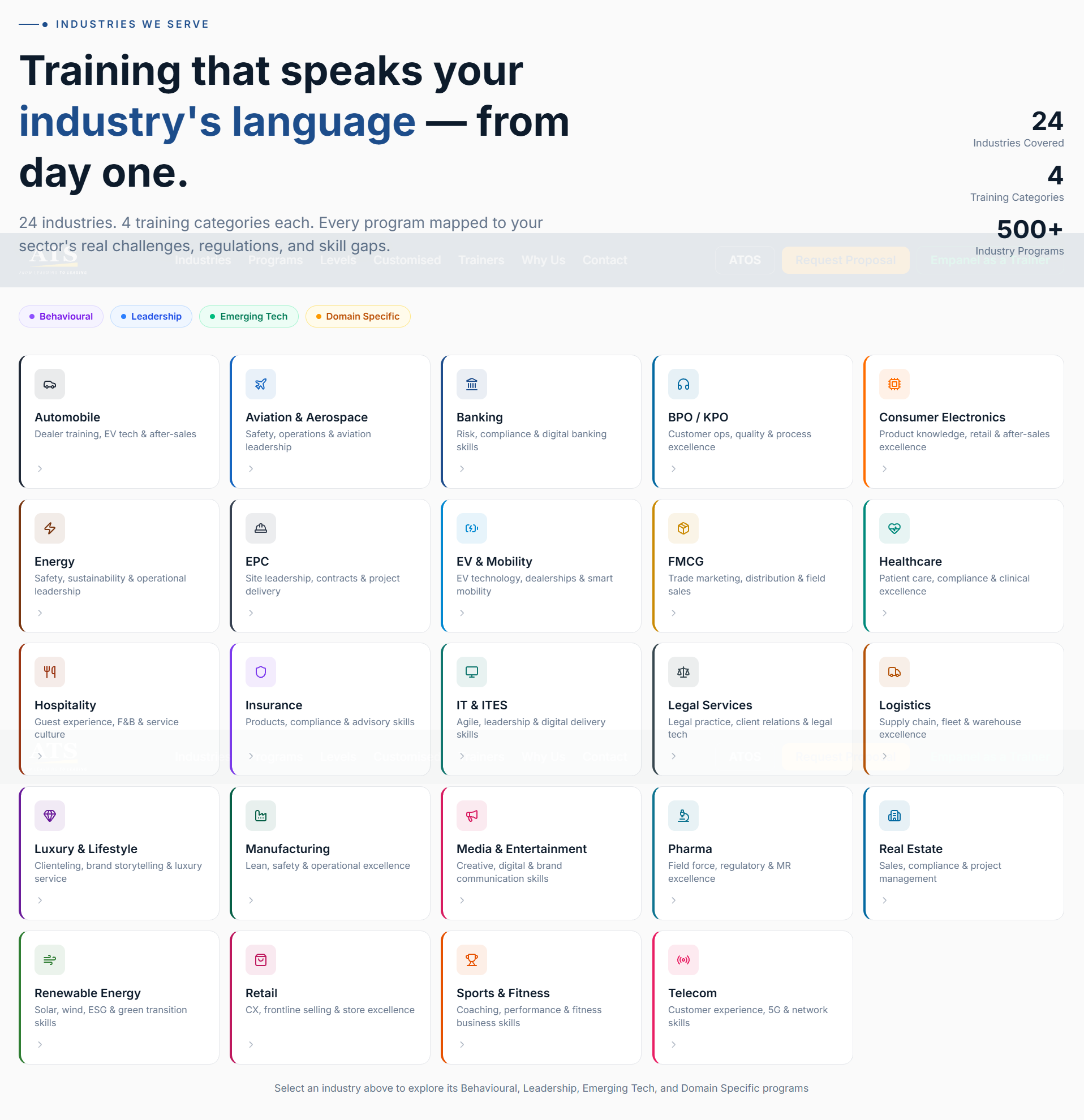
Each industry card names what that sector cares about, such as "Dealer training, EV tech & after-sales" for Automobile. Chips above the grid filter by the four training categories.
For: buyers who think in sectorsA pop-up with the whole programme
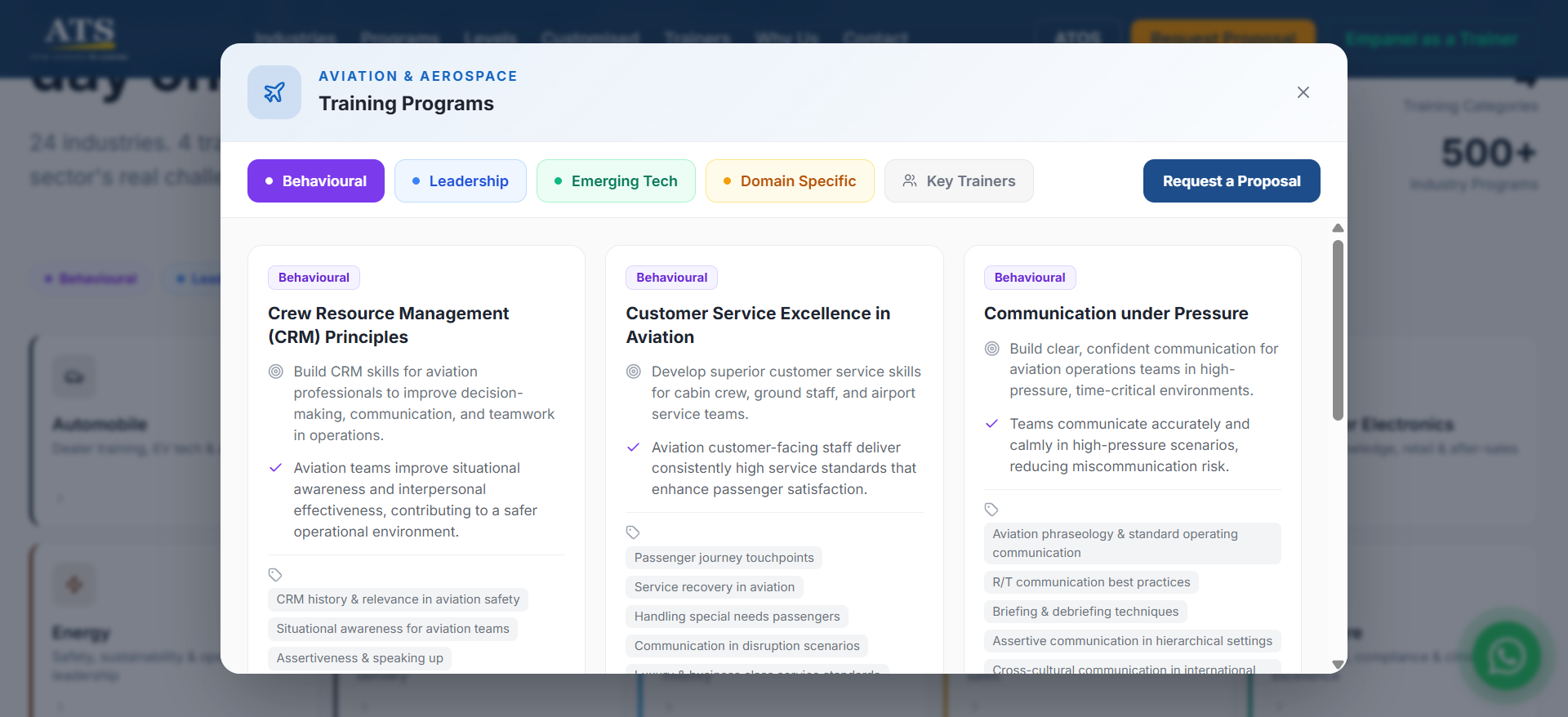
Clicking an industry opens tabs for Behavioural, Leadership, Emerging Tech and Domain Specific, plus Key Trainers. Every programme card shows its objective, outcome and topics, with Request a Proposal one click away.
For: buyers ready to compare programmes500 courses across 20 learning domains
Buyers who think in skills rather than sectors start here. Each domain, such as Cybersecurity or Human Resources, opens its courses grouped by Entry, Mid and Senior level.
For: L&D teams planning skill programmes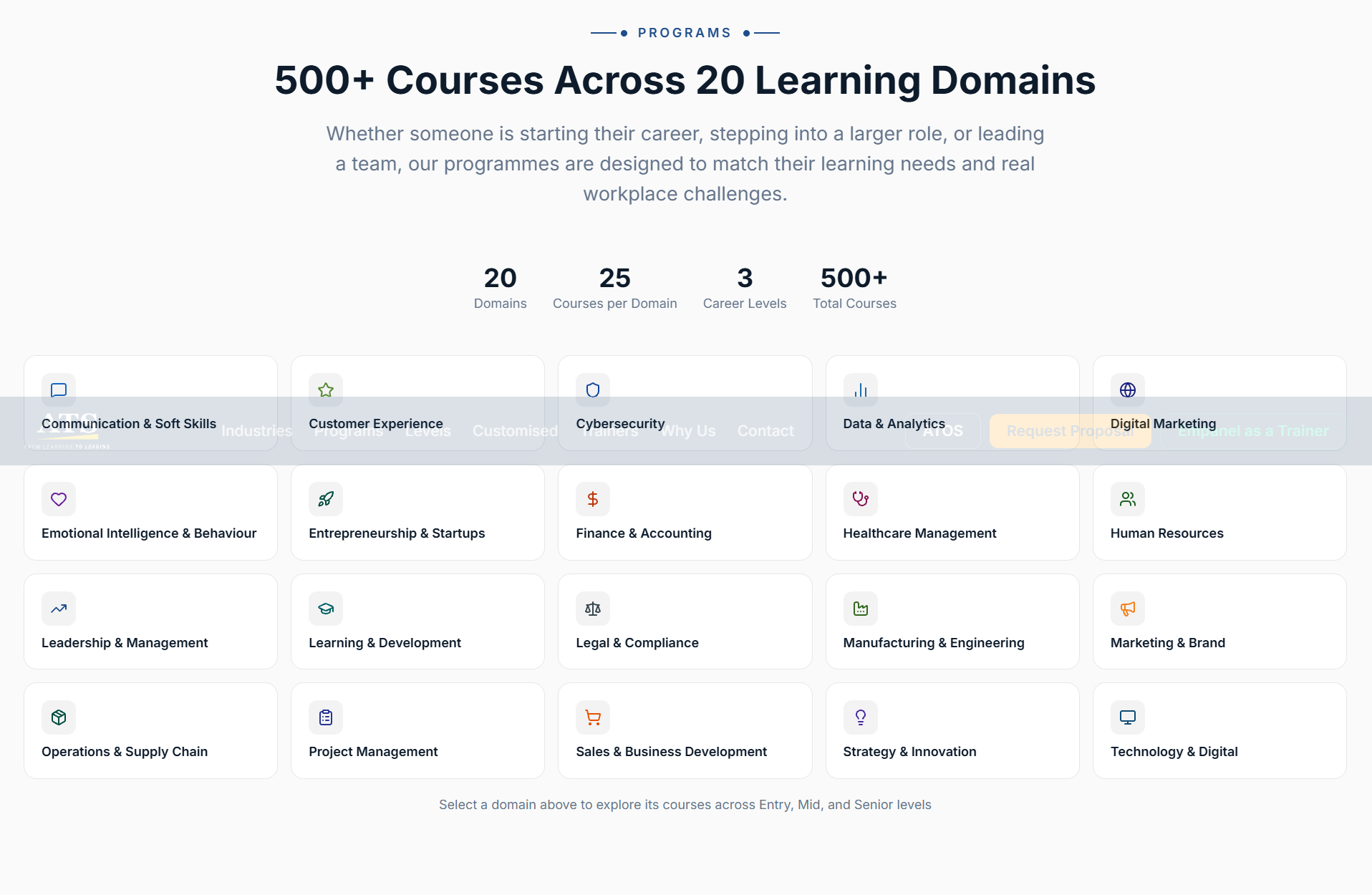
A pathway for every career stage
Six career levels, from entry-level employees to CXOs, each list their focus areas and open their own programmes. A "Talk to a Learning Consultant" button starts a WhatsApp chat for buyers who are unsure.
For: buyers training a whole team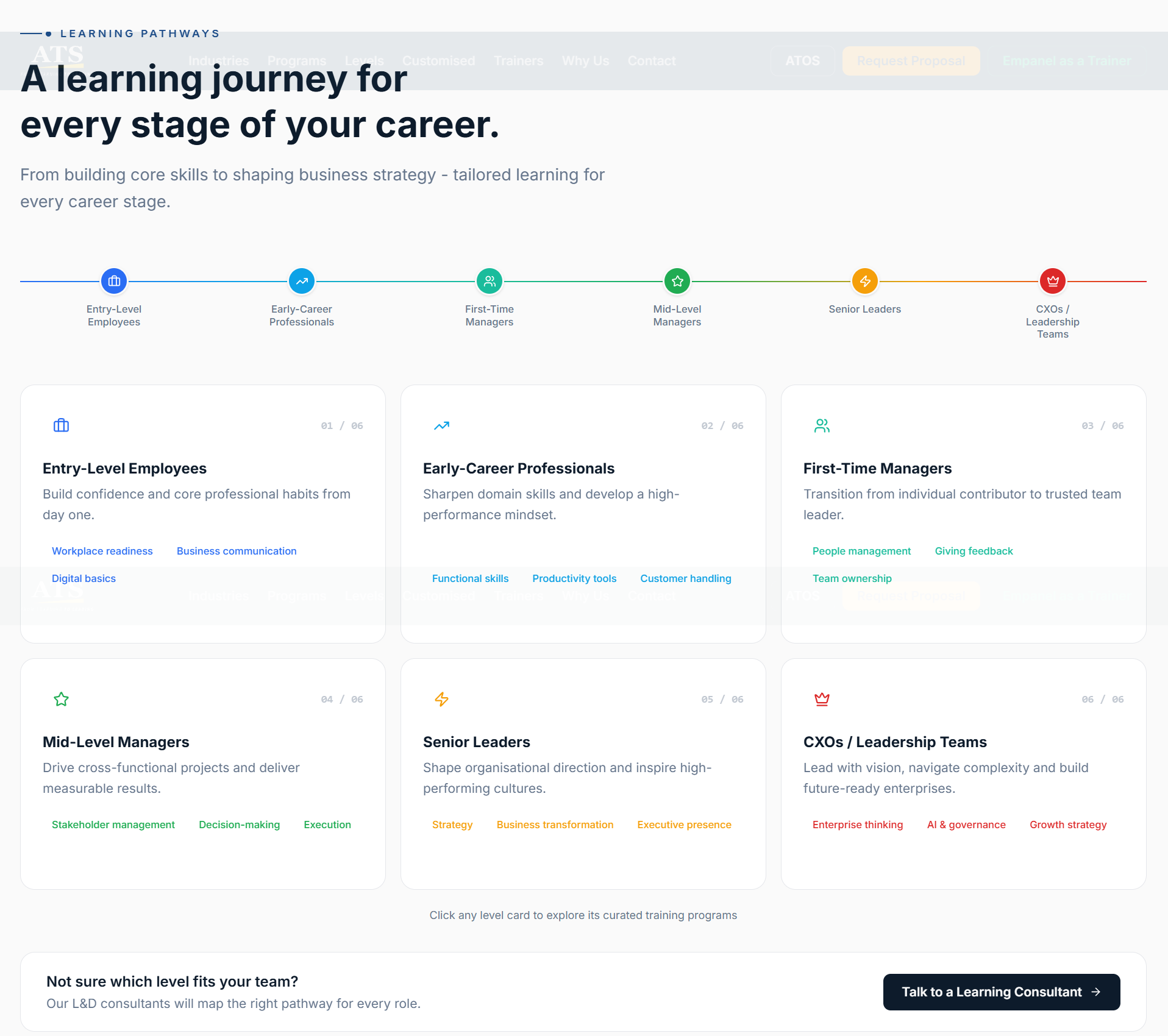
Edit once. The website and ATOS both update.
ATOS, Amity's training-credit platform, needed to show the same catalogue, with pop-ups that look the same as on the website. Copying the data would mean two versions drifting apart.
So Filari added a read-only content API to the website. ATOS calls it through its own server with a key. The pop-up data in the API is the same data the website uses for its own pop-ups.
The parts of the website buyers and the Amity team use
A Filament admin panel for every section
The content team edits 11 homepage sections, from the hero to the footer, plus 15 kinds of records: industries, categories, programmes, domains, sub-domains, levels, delivery modes, pathways, trainers, menus and incoming leads. A dashboard shows totals and new enquiries.
No lost leads
Proposal and contact forms save the lead first. A queued job then emails the team and the buyer, with up to three tries. A failure is recorded on the lead.
For: Amity sales teamIndustry pop-ups with four categories
Each of the 24 industries opens a pop-up with Behavioural, Leadership, Emerging Tech and Domain Specific tabs and a Key Trainers tab. Only one tab renders at a time, so a 480-programme catalogue stays quick.
Trainer profiles and empanelment
A trainers section shows featured faculty and a full grid with profile pop-ups. Trainers apply through Empanel as a Trainer or the trainer-network pages with a CV. The team reviews applications in the admin and downloads CVs singly or as a zip.
CMS pages with preview
The team publishes pages like a thank-you page at their own URL, and previews homepage edits before they go live.
Forms that resist spam
Proposal, TNA and empanel forms accept 10 submissions a minute per visitor, and validate every field on the server.
Content API v1
Eight read-only endpoints: health, all content, industries, domains, trainers and pathways. Keyed, rate-limited and documented.
For: ATOS and future Amity productsThree problems behind a simple-looking site
Challenge
A proposal request is a sales lead. If the email server failed, the lead could be lost.
Solution
The form saves the lead in the database first. A queued job then emails the team and the buyer, with up to three tries, and records any failure on the lead.
Why it mattered
Every enquiry reaches the admin panel, even when email is down.
Challenge
Editors expect to see a change at once, but the site and the API serve cached content.
Solution
Content is cached by tag, and every save in the admin clears the matching cache for both the website and the API.
Why it mattered
A new course or fee shows on the website and in ATOS straight away, with no stale copies.
Challenge
24 industries hold 480 programmes. Rendering every pop-up up front would make the page heavy.
Solution
Each pop-up renders only the tab the buyer opens, from data already on the page.
Why it mattered
The full catalogue stays one click away without slowing the first load.
What we learned
For a training company, the catalogue is the product. Modelling industries, domains, levels and trainers as linked records before designing pages meant the same content could power the website, the pop-ups and a second product through the API. Building the admin first let content entry start while the pages were still being designed.
What is live today
Amity Training Solutions now runs a full corporate catalogue from one admin panel, and its training-credit platform reads the same content without a second copy.
Catalogue in the CMS
- Every API item has an icon and trainers
- API key absent from the ATOS browser bundle
- Payload compressed from 1.3 MB to 869 KB
Where AI helped, and where people led
Human-led, AI-accelerated. Our team made every design and architecture decision and reviewed every change.
What's next
Filari hosts and maintains the site. Planned API additions include a levels and a settings segment, incremental sync with ?updated_since=, ETag support so unchanged content returns a 304, and per-key usage in the admin.
For tech teamsUnder the hood
Stack, architecture and engineering decisions
Stack by layer
Website
Laravel + Blade
Server-rendered page; content passed to small scripts for pop-ups
Tailwind CSS
Lucide icons, sanitised before rendering
Admin + API
Filament
11 content pages, 15 resources, stats widget
Content API v1
Timing-safe key check, CORS allow-list, 60 req/min
Data + ops
PostgreSQL + Redis
Tagged cache, flushed on every admin save
Docker + queue worker
nginx, PHP-FPM, queue and Redis containers
Engineering decisions
| Decision | Why | Impact |
|---|---|---|
| One content contract for site and API | Two shaping paths would drift | API pop-ups match the website's exactly |
| Save the lead before sending email | A mail outage must not lose a buyer | Leads always reach the admin; failures are recorded |
| Tagged cache flushed on save | Editors expect to see their change at once | No stale content on the site or in ATOS |
| Icons as data, sanitised | Bundling every icon is heavy; raw SVG can carry script | Small pages, no script injection through icons |
| Catch-all CMS route kept last | New pages must not shadow forms or the admin | The team adds pages without a code change |
| Versioned, additive-only API | ATOS and future consumers must not break | New segments ship without touching consumers |
Questions about corporate training websites
Buyers want to find training for their own industry and team level quickly, then ask for a proposal. The Amity Training Solutions site does this with 24 industry cards, 20 learning domains, career-level pathways, trainer profiles and proposal and needs-analysis forms, all edited from one admin panel.
Yes. Industries, programmes, domains, courses, levels, pathways, trainers, menus and every homepage section are edited in a Filament admin panel built on Laravel. Saving a change clears the content cache, so the website and the API show the new version straight away.
Filari added a read-only content API to the website. ATOS, Amity's training-credit platform, calls it through its own server with an API key, so both products show the same industries, courses and pop-ups. Content is edited once, on the website.
The enquiry is saved in the database before any email is sent. A queued job then emails the Amity team and the buyer, retrying up to three times. If every attempt fails, the failure is recorded on the lead, so it can still be followed up from the admin panel.
Trainers use the Empanel as a Trainer form on the website or the separate trainer-network pages, which accept a CV. Applications appear in the admin panel, where the team can review them and download CVs one at a time or together as a zip.
The catalogue is structured data with many relationships: industries, categories, programmes, domains, levels and trainers. Laravel models those relationships cleanly, and Filament turns them into an admin panel quickly, so the content team gets proper forms instead of editing pages by hand.
Is your catalogue too big for your website?
Tell us how your programmes are organised. We will show you a site your team can run, and an API your other products can share.
More projects like this one
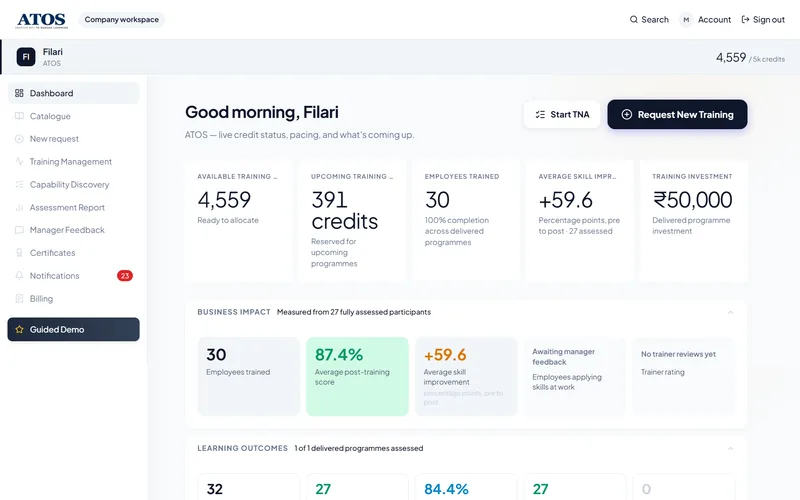
 Corporate Learning
From Prototype to Live Corporate Training Platform
Filari built the backend, security, GST billing and reporting behind Amity's training-credit prototype and put it live, keeping the approved design.

 Education
Drupal to Next.js in 48 Hours: Executive Education Platform
Rebuilding Amity Executive Education's programme finder, compare tool, counselling leads and payment gateway on Next.js 15.
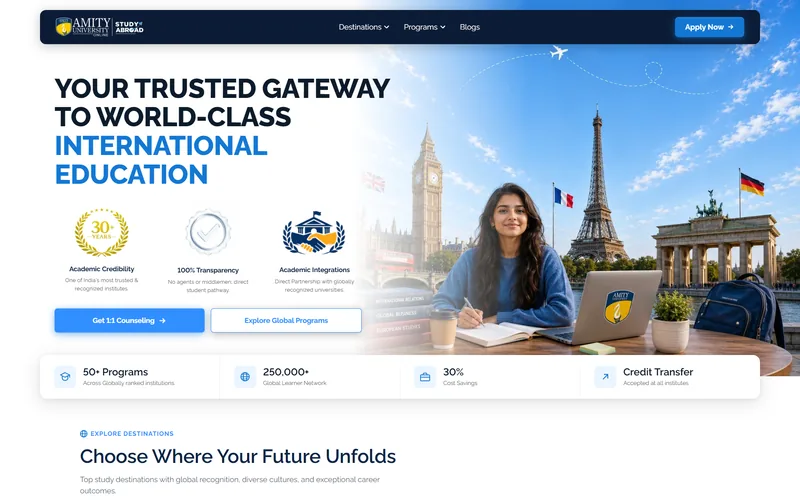
 Education
Study Abroad Pathway Website: 5 Countries
Destination, university and programme pages from one headless CMS, counselling capture and an SEO blog.